



About This File
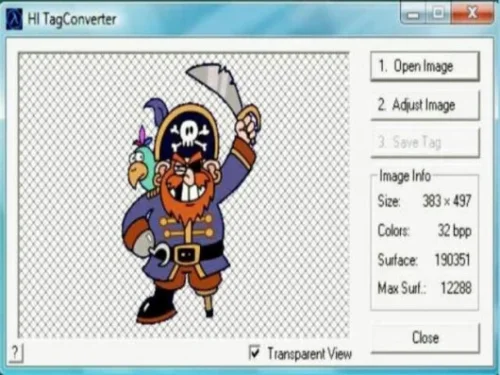
This is a simple and user-friendly program, perfect even for beginners.
All you need to do is open the image you want to use in CS by selecting “Open Image.” Then go to “Adjust Image” to prepare it properly. After that, choose “Convert into 256 colors” to optimize the image.
Finally, click “Save” and store it as a WAD file. In just a few easy steps, your image is ready to go!
Recommended Comments
There are no comments to display.
Join the conversation
You can post now and register later. If you have an account, sign in now to post with your account.